5.2 VPNs in reality
Capabilities and limits
Virtual private networks (VPNs) are best understood as a way to change who can see your internet traffic on the path between your device and the wider internet. They do not make you invisible, and they do not replace good judgement. Used well, a VPN can stop your broadband provider, your mobile network, or a public Wi‑Fi operator from seeing the websites you visit. Used poorly, it can simply move that visibility to a different company and add new failure points.
A VPN works by creating an encrypted tunnel from your device to a VPN server. Your traffic goes through that server to the rest of the internet. Anyone watching your local network can see that you are connected to a VPN server, but they cannot see the websites you access or the content of those connections. On the other end, the sites you visit see the VPN server’s IP address rather than your home or mobile IP address.
What VPNs hide
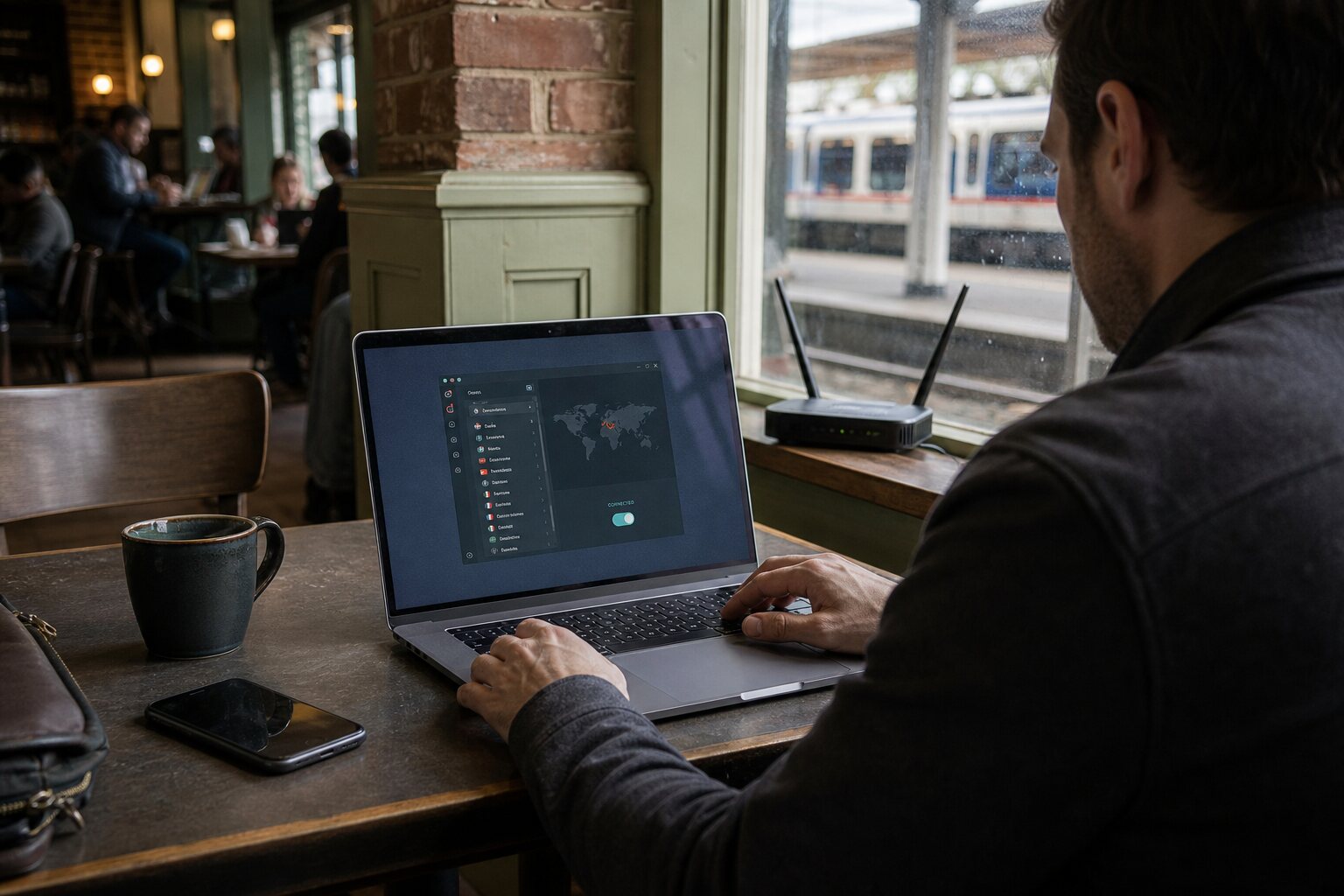
The main thing a VPN hides is your browsing from the network you are currently using. If you are on a café Wi‑Fi connection, the operator of that Wi‑Fi cannot see which news sites you read or which banking pages you open. Your internet service provider at home cannot see that you are checking a medical portal late at night. In both cases, they can still see that you are connected to a VPN service, and for how long, but not where you go within that tunnel.
A VPN also hides your original IP address from the sites you visit. If you access a shop’s website, the site sees the VPN server’s address, which might be in Manchester, Amsterdam, or Dublin, rather than your actual location. This can reduce casual location profiling and can make it harder for a website to join your browsing with other information tied to your home IP address. It does not prevent the site from building a profile based on cookies, browser fingerprints, or account log‑ins.
In everyday life, this is useful when you are travelling and using hotel Wi‑Fi, or when you want to avoid location-based price variation on flights and insurance. It is also used by people who want to read a local newspaper without revealing their home address to advertisers. These are ordinary reasons, not a guarantee of privacy, but they are sensible uses of the technology.
What VPNs expose
Using a VPN concentrates trust. Instead of your local network seeing your browsing, the VPN provider can. The provider can potentially see the destinations you connect to, the times you connect, and the amount of data you transfer. If the provider keeps logs, those records can be requested or compelled by courts. If the provider has weak security, those records can be stolen. The same is true for any company you route your traffic through; a VPN simply makes the trade-off explicit.
A VPN does not hide the fact that you are using it. Many services can detect VPN use by IP reputation, location mismatch, or traffic patterns. Some streaming sites block known VPN servers. Some banks use VPN connections as a fraud signal. If you sign in to a service while connected to a VPN, your account can be flagged if the login appears to come from a country you are not normally in. That is not a security failure; it is a normal risk of changing your apparent location. You can reduce this by choosing a VPN server close to your actual region or by keeping a stable exit location rather than hopping between countries.
It also does not protect you from tracking that happens within the browser or apps. If you log in to a social media account, the platform still knows it is you. Cookies and tracking pixels still work. Some mobile apps ignore system VPN settings by using their own network stacks, and enterprise or school devices may be configured to route some traffic outside the VPN. On many platforms you can check this by looking for per‑app VPN settings or by using a VPN that enforces “always‑on” mode.
Logging and jurisdiction
Providers often advertise “no‑logs” policies, but that phrase is imprecise. There are different types of logs: connection logs (times, IP addresses, and server used), usage logs (destinations and traffic content), and diagnostic logs (errors and performance). Many providers keep some connection data for anti‑abuse or capacity planning. Some keep more. The detail matters because even a short‑lived connection log can identify a user when combined with timing information from another source.
Jurisdiction affects what a provider can be forced to keep or hand over. In the UK, companies can be required to assist with lawful access requests under specific conditions. The exact obligations vary by company structure and the services they provide, and the law changes over time. What matters in practice is not only where a company is incorporated but where its staff and infrastructure are. If a provider runs servers in London and has a UK office, it is more exposed to UK legal compulsion than a provider with no UK presence. That does not automatically make it unsafe or safe; it just shapes the risks.
For ordinary use, the sensible mitigation is to pick a provider with clear, detailed disclosures about what they log and why, and to prefer services that have had independent audits or public tests of their claims. Another pragmatic choice is to pay attention to where the company operates rather than where it markets itself, because marketing language is not a legal shield.
When VPN use increases suspicion
In some contexts, using a VPN can make you stand out rather than blend in. On a workplace network, a VPN connection might be flagged by monitoring tools, especially if the organisation expects all traffic to stay on its own systems. In some countries, routine VPN use is uncommon or restricted, and a VPN connection can draw attention at the network level even if the content is hidden. This is not a reason to avoid VPNs altogether, but it is a reminder that visibility and risk are shaped by local norms and policy.
There are also practical situations where a VPN adds friction. Banking apps may trigger extra verification. Media services may block access or show reduced catalogues. Some online forums treat VPNs as a signal of evasion and apply rate limits or CAPTCHA challenges. If you are handling something that benefits from stability and trust, such as setting up a new financial account, it may be worth temporarily disconnecting the VPN to avoid unnecessary suspicion. That is a tactical choice, not a moral one.
A common misunderstanding is that a VPN automatically provides anonymity. It does not. If you log in to your usual accounts, reuse the same browser profile, and keep the same device identifiers, the VPN changes only the network path. The mitigation here is straightforward: separate tasks that require privacy from those tied to your identity, and avoid mixing them in the same browsing session. This is a behavioural practice rather than a technical setting, and it is often more effective than chasing “perfect” privacy tools.