4.2 Mobile operating systems
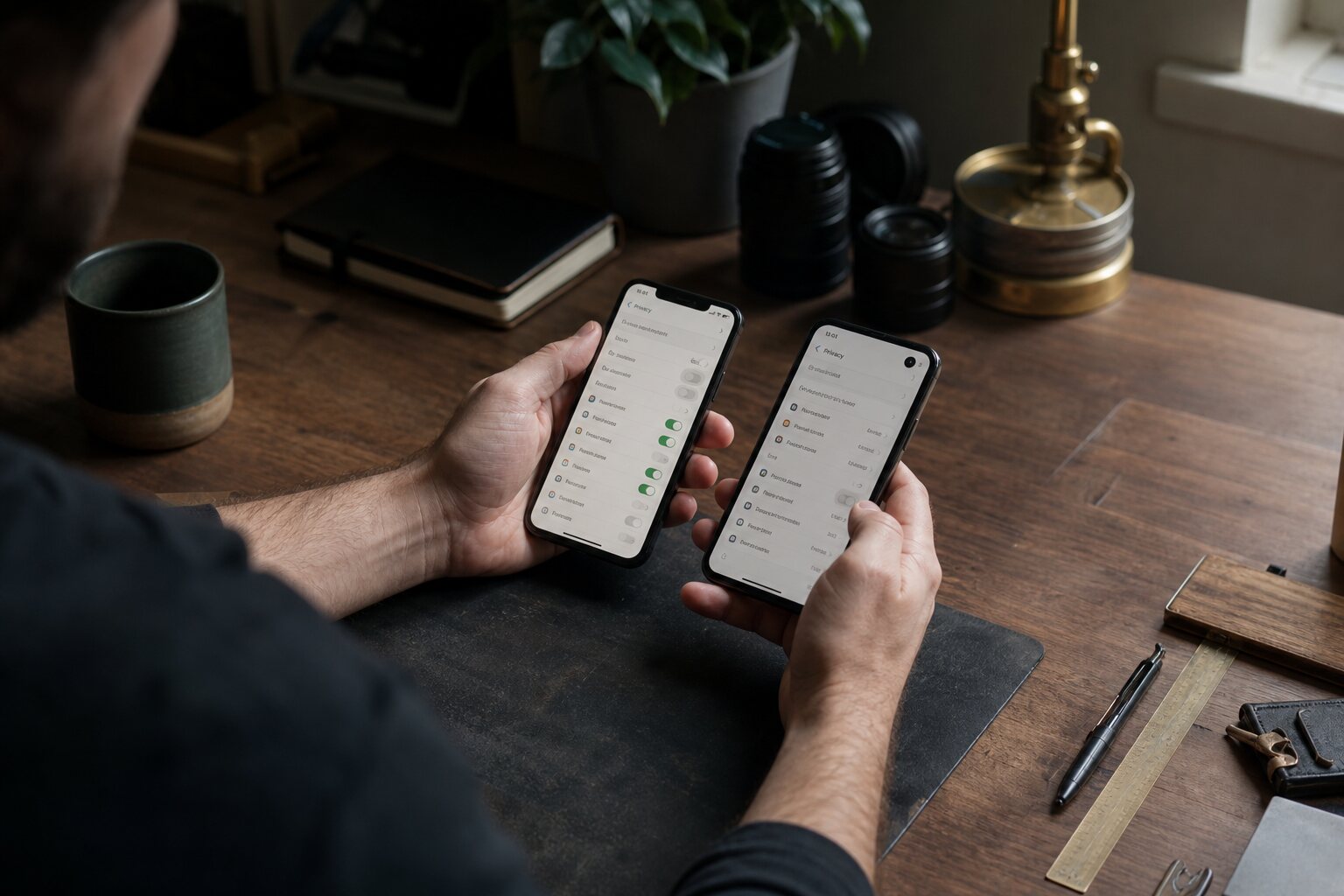
Always-on surveillance devices
Modern smartphones are not just portable computers; they are sensors with radios attached. A typical handset carries multiple microphones, cameras, location systems (GPS, Wi‑Fi and Bluetooth scanning), motion sensors, and a persistent link to the mobile network. Many of these sensors operate in the background for legitimate reasons such as navigation, step counting, crash detection, hands‑free calls, and contactless payments. The same machinery also makes a phone a potent surveillance device when misused or poorly controlled.
It helps to separate the data pathways. Some data is generated and retained locally — for example, a list of nearby Wi‑Fi networks or a draft note. Other data is shared with the operating system vendor, network operator, or app developer. In practice, everyday activity often touches all three. When a mapping app computes a route, it may send your current position to the app developer, request traffic data from a third‑party service, and log diagnostic data with the operating system vendor. None of this requires a malicious actor; it is how the system is designed to work.
In the UK, much of this data flows under standard consumer contracts and privacy policies, not under special surveillance law. That distinction matters. A request for your data by a public body will typically require a legal process, but private companies collect telemetry by default unless you opt out. The risk is therefore as much about ordinary commercial data collection as it is about exceptional circumstances such as policing or security services.
Android vs iOS realities
Android and iOS are often presented as opposites: open versus closed, flexible versus locked down. The reality is more nuanced. Both systems are tightly integrated with their vendors, both are built around app ecosystems, and both rely heavily on cloud services. The difference is in how much control you have over those parts, how transparent they are, and which trade‑offs you accept.
Android is developed by Google and used by many manufacturers. This introduces layers: Google’s own services (often called Google Play Services), the device maker’s customisations, and the mobile network’s additions. If you buy a standard Android handset, it normally ships with Google’s services turned on because most everyday apps expect them. These services handle push notifications, location services, and device attestation (a way for apps to check whether the device has been altered). That plumbing is convenient, but it also centralises data and gives Google substantial visibility into device activity.
iOS is controlled end‑to‑end by Apple. The hardware, operating system, and default services are all produced by the same company. That tight integration simplifies security updates and reduces the number of pre‑installed third‑party apps. It also means you are bound to Apple’s account system and cloud services for many features. A UK user who relies on iCloud Photo Library or Apple Maps is effectively trusting Apple with a detailed picture of their daily habits. The choice is less about “privacy versus no privacy” and more about which vendor you trust, and which behaviours you are willing to change.
A common misunderstanding is that iOS prevents tracking while Android is inherently leaky. In practice, both platforms allow apps to request sensitive permissions, both collect diagnostic data by default, and both can leak information through poorly designed apps. Differences do exist — for example, Apple’s tracking permissions have reduced some types of cross‑app advertising profiling — but neither system is a magic shield. The biggest privacy gain usually comes from limiting the number of apps you install and choosing services that do not need to follow you around.
Vendor control
Mobile operating systems are not neutral platforms. They are governed by vendor policies that can change at any time. This control manifests in software updates, default settings, and the services that are bundled or promoted. The most obvious benefit is security. Phones receive patches against critical flaws, often silently. Without this centralised model, the average user would be exposed to serious vulnerabilities for long periods.
The risk is that the same control can be used to steer behaviour or collect more data. Android phones may prompt you to enable location history or voice assistant features during setup. iPhones may encourage you to turn on iCloud backups and “Find My” tracking. These are useful, but they expand the amount of personal data held by the vendor. The trade‑off is not just privacy: it can also be reliability. If you turn off cloud backup to keep data local, you accept that a lost phone may mean lost data.
Vendor control also affects how long your device remains safe to use. Many Android manufacturers provide security updates for only a few years; older devices can run outdated software with known flaws. Apple tends to support devices for longer, but once support ends you still face the same issue. This is less about surveillance and more about exposure to compromise. A compromised phone is a surveillance device even if the operating system was once locked down.
Practical mitigation is mostly about choosing hardware with a long update policy and keeping it current. For Android users, that might mean buying from a manufacturer with a published update schedule. For iOS users, it means installing system updates promptly. It also means treating older spare phones with caution; the fact that it still turns on does not mean it is safe.
App store gatekeeping
App stores are both a security layer and a control mechanism. They screen apps for malware, handle payment processing, and provide a single place to update software. For non‑technical users, this is a significant safety benefit. If a malicious app slips through, it is often removed quickly and updates can be forced.
Gatekeeping has a second side: the store operator decides what can run on your phone and under what conditions. Apps can be rejected for policy reasons, removed after complaints, or blocked in particular regions. That matters for freedom of speech in subtle ways. A messaging app might be removed for hosting content that violates a platform’s rules, even if that content is lawful in the UK. A whistle‑blowing tool might be excluded because it does not meet a store’s requirements for content moderation. These are not common everyday problems, but they are structural constraints.
Many people believe that “sideloading” — installing an app from outside the store — is always riskier. It can be, but the real risk depends on the platform, source, update route, and verification practices. Android normally supports outside-store installation only after the user grants the chosen installer permission, and a manufacturer, child account, or managed device may restrict it. Apple's alternative distribution is region-specific: eligible iPhones can use it in Brazil, Japan, and the European Union, while eligible iPads can use it in the European Union; it is not available to an ordinary UK-based account and device. Instructions written for one platform or region should not be assumed to work on another.
Where outside-store installation is supported, a developer's authentic release can be safer than an imitation from an unfamiliar marketplace, but manual installation transfers provenance and update responsibility to the user. Use reputable sources, verify the publisher and signature where the platform exposes them, and keep a deliberate list of what you installed. An organisation's device-management rules may override the user's choice.
The CMA designated Apple and Google as having strategic market status for their UK mobile platforms in October 2025. In June 2026 it consulted on proposed requirements concerning how app developers may steer users to outside transactions, and published the consultation responses in August. No final steering requirement had been announced at this review date. Designation, consultation, and publication of responses do not themselves create UK alternative app marketplaces. In practice, the dominant stores still shape what most people can run. If your safety model assumes an app can be removed at short notice, use services that also offer web access or keep an offline copy of important data.
Official sources: Apple's regional availability rules for alternative app distribution and the CMA's mobile-platform programme.
De‑Googling trade‑offs
“De‑Googling” usually means removing or reducing reliance on Google services on an Android device. This can be done by using alternative app stores, switching to open‑source apps, or installing an alternative Android distribution that ships without Google’s services. The motivation is often to reduce data collection and to avoid a single company having a detailed profile of your activity.
The practical reality is that Google services are tightly woven into the Android ecosystem. Many apps depend on Google Play Services for notifications, location, and payment functions. Without it, some apps break or behave oddly. A realistic approach is to identify which functions you truly need. For example, a commuter might accept that a transport app requires Google’s location APIs but avoid Google’s search and browser. A freelancer might keep Google’s services on a work phone for authentication and calendar integration, but keep a personal phone more minimal.
Another trade‑off is safety. Some alternative app stores do not have strong review processes, and some “privacy” apps collect data of their own. Installing a custom Android build can reduce vendor telemetry, but it may also weaken hardware‑backed security features or delay security updates if the project has limited resources. That does not make it a bad choice; it simply changes the risk profile.
Common myths include the idea that removing Google makes the phone anonymous. It does not. Your mobile network still knows which masts you connect to, many apps will continue to talk to their own servers, and device identifiers may still be visible to networks and advertisers. De‑Googling can reduce centralised profiling, but it does not remove the underlying physics of cellular networks or the data demands of modern apps.
For most people, the most reliable gains come from modest steps: disable unnecessary permissions, use a privacy‑respecting browser, choose apps that work offline where possible, and turn off background location for everything that does not need it. For more technically confident users, a carefully maintained alternative Android build can be viable, but it requires ongoing attention. The key is to choose a level of effort you can sustain; a half‑maintained privacy setup can be worse than a well‑maintained mainstream one.
For detailed, current instructions covering iPhone Lockdown Mode, Android Advanced Protection, app tracking, permissions, account recovery, mobile data, public Wi-Fi, and phone VPNs, continue to 4.4 Securing iPhone and Android phones.