3.4 File-level and container encryption
Granularity and portability
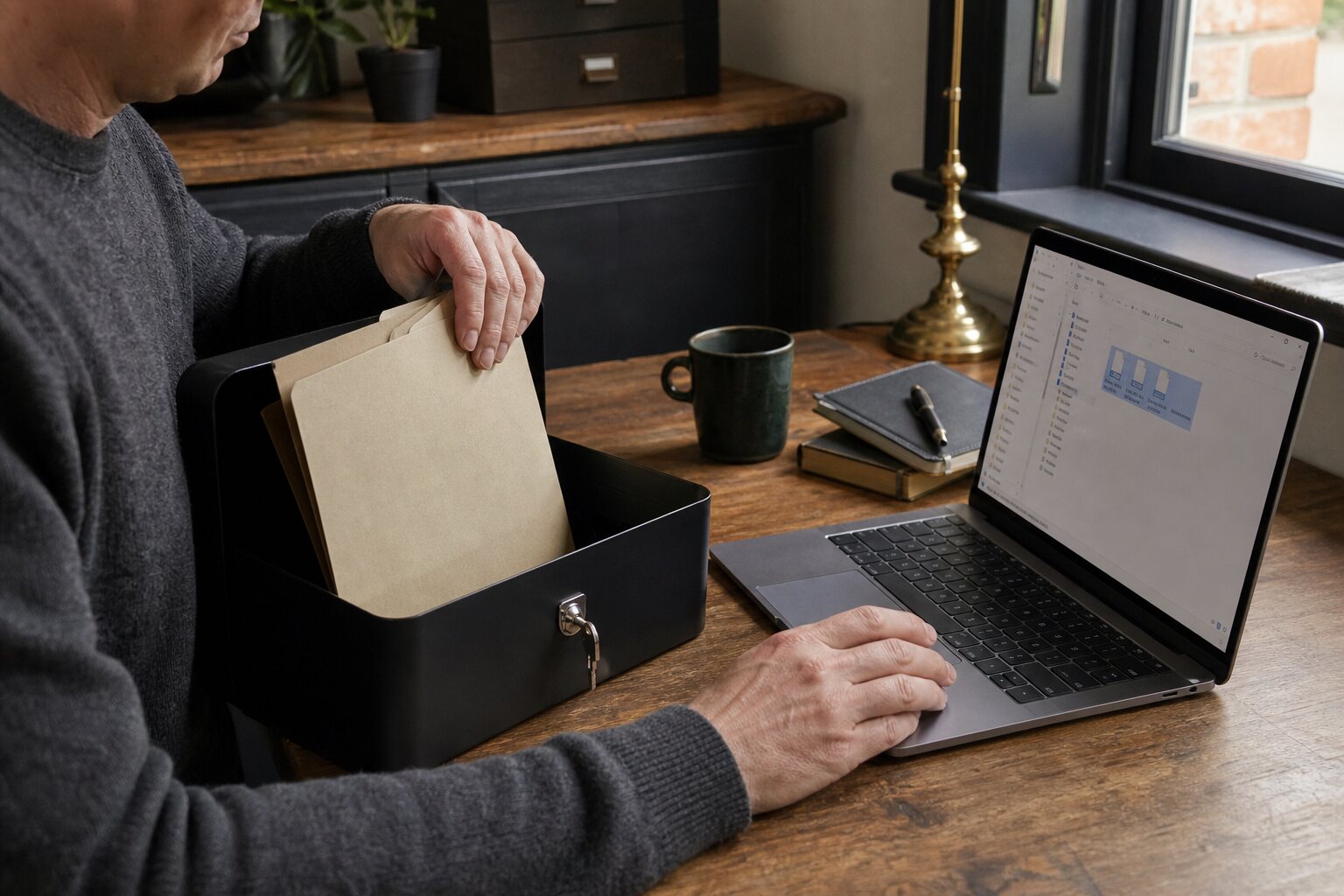
Full disk encryption protects a device when it is powered off, but it is a blunt instrument. It treats the whole drive as a single protected space, which is fine for everyday laptops and phones. File-level encryption and encrypted containers add finer control. They let you protect specific files or groups of files, move them between devices, and decide when they are unlocked.
File-level encryption means individual files are encrypted on their own. A container is a single encrypted file that behaves like a virtual disk when unlocked. Both approaches are about granularity: you can keep personal photos unprotected on a family laptop, while encrypting medical records or client contracts separately. Portability matters too. A container can be copied to a USB drive or cloud storage and opened wherever you have the passphrase and the right software.
How the encryption actually works
It helps to understand, in plain terms, what these tools are doing, because the differences between them are not marketing but real distinctions that affect your safety. When you create an encrypted container or encrypt a file, the software does not encrypt anything directly with your passphrase. Instead it runs your passphrase through a deliberately slow process called key derivation, which turns a memorable but guessable phrase into a strong key and makes brute-force guessing expensive. The data itself is then encrypted with that key using a modern cipher, most commonly AES, often in a mode that also detects tampering. This last point matters: good tools use what is called authenticated encryption, so that if someone alters the encrypted file, you find out rather than silently opening corrupted or manipulated data.
The practical upshot is that the strength of the whole arrangement rests on two things: the quality of your passphrase and the soundness of the tool. A short passphrase undermines even the best cipher, because the slow key-derivation step only buys time, it does not work miracles. Equally, a tool that is poorly implemented or abandoned by its maintainers can have weaknesses that no passphrase can compensate for. The general principle that encryption is only as good as its implementation and its key is covered in 3.1, and it applies with full force here.
For everyday choices, a few established categories cover most needs. Cross-platform container tools, of which VeraCrypt is the best known, create the virtual-disk style of container described above and work across Windows, macOS, and Linux. Tools designed for cloud storage, such as Cryptomator, encrypt files individually so they sync efficiently rather than as one large blob. Simple, modern file-encryption utilities, such as the age tool or long-established options built into archive software, are well suited to encrypting a single file before sending or storing it. Operating systems also include their own facilities, such as the encrypted disk images available on macOS. The right pick depends on whether you value portability, cloud compatibility, or simplicity; what they share is that, chosen from reputable sources and kept updated, they all rely on the same underlying ideas.
When full disk encryption is insufficient
Full disk encryption does not help once the device is unlocked. If your laptop is on, anyone with access to it can read the files the system can read. That is not a flaw in the encryption; it is how the system is designed to work. The moment you log in, the drive is decrypted for use.
File-level encryption is useful when you want certain data to remain locked even while the rest of the device is in use. A solicitor might keep case notes in an encrypted container so that routine admin tasks can happen without exposing sensitive files. A student living in shared accommodation might keep passports and banking PDFs in an encrypted folder, while leaving lecture notes accessible.
Another common case is sharing a device. Family computers in the UK often have multiple users, but not everyone logs out properly. Full disk encryption does not prevent a logged-in sibling from opening another person’s files if the permissions are loose. Encrypting the files themselves provides a layer that is independent of who is signed in.
Encrypted containers and naming risks
A container is a single file, often with a generic extension, that holds encrypted content. When unlocked, it appears as a new drive or folder. Containers are tidy and portable, but their very presence can signal that something is being hidden. A file called “Encrypted Tax Records” on a shared drive is effectively an index to your most private material.
The risk here is not cryptographic weakness. It is social and operational. If someone is curious or under pressure, the existence of a clearly labelled container can invite scrutiny. In some situations, merely revealing that you use encryption can change how others treat you.
Practical mitigations are simple: use neutral names and avoid obvious labels. “Archive 2024” attracts less attention than “Sensitive Evidence”. Keep in mind that the filename is often visible even when the container is locked. For people who need plausible deniability, some tools offer hidden volumes, but these are complicated to use correctly and can create their own risks if mishandled or if your usage patterns are inconsistent.
Storage locations and access patterns
Where you store encrypted files matters as much as how you encrypt them. A container stored in a cloud sync folder such as OneDrive or iCloud is protected by encryption at rest, but metadata is still visible: file size, name, and the fact that it changes regularly. That can be enough for a curious employer, partner, or service provider to infer what you are doing.
Access patterns can leak information even when the contents are secure. If a container grows at the same time you are working on a specific project, or is accessed every evening after a meeting, that timing may tell a story. This matters more in environments where oversight is routine, such as workplaces with device monitoring or shared family computers with well-meaning but intrusive parents.
A practical approach is to separate storage from day-to-day activity. Keep a container on removable storage for genuinely private material, and copy it to a local drive only when needed. If you do use cloud storage, treat it as a transport mechanism rather than a working directory. Open the container, copy out the file you need, work on it locally, then put it back and close the container. This reduces the frequency of updates and the amount of metadata exposed.
Keys, passphrases, and the risk of losing access
The most common way people are harmed by file-level encryption is not that an adversary breaks it, but that they lock themselves out. Strong encryption is unforgiving by design: there is no helpline, no reset link, and no recovery short of the passphrase or key you set. Forget it, and the data is gone as surely as if the drive had been destroyed. This is the price of the protection working as intended, and it means the way you manage keys deserves as much thought as the encryption itself.
Two failure modes dominate. The first is forgetting a passphrase you chose under pressure and never wrote down, which is why a container holding anything you cannot afford to lose should have its passphrase recorded somewhere trustworthy, such as the password manager discussed in 2.2, rather than living only in your head. The second is having exactly one copy of an encrypted container: if that single file is corrupted, lost, or stored on a drive that fails, no passphrase will help. Encryption protects confidentiality, not availability, so it must sit alongside a backup strategy, not replace one.
The sensible discipline is therefore to keep at least one additional, separately-stored copy of any important encrypted container, and to make sure you can actually open your backups — testing recovery occasionally rather than assuming it will work. Some tools allow a recovery key or keyfile in addition to a passphrase; if you use one, treat it as seriously as the data it unlocks, because anyone who obtains it has the same access you do. Balancing the risk of loss against the risk of exposure is the heart of getting this right: protection that is so tight you lose your own data has failed you just as badly as protection that is too loose.
Avoiding “sensitive data” signals
A common misunderstanding is that encryption itself makes you safe from suspicion. In practice, how you use encryption can be just as visible as the data it protects. A folder filled with encrypted files called “Legal Strategy” is not subtle. Nor is a USB stick permanently attached to a keychain labelled “Private”.
Avoiding signals is not about hiding wrongdoing; it is about reducing unnecessary attention. In the UK, lawful inspection of devices at borders or workplaces can involve questions about why certain files are protected. You do not have to assume hostile intent to recognise that humans respond to cues.
A balanced practice is to integrate encryption into normal routines. Use it for mundane tasks as well as sensitive ones, so that encrypted items do not stand out. For example, keep your personal archive of receipts and household documents in the same encrypted container as a few genuinely private files. This makes the container a normal administrative tool rather than a special vault.
There are limits to how much signalling you can reduce. If you carry a single encrypted container and refuse to unlock it, that is a choice with consequences. The risk cannot be eliminated, only managed. For many people, the most realistic goal is to keep sensitive data protected while avoiding obvious flags that invite curiosity or escalate attention.