2.5 Biometrics: convenience vs coercion
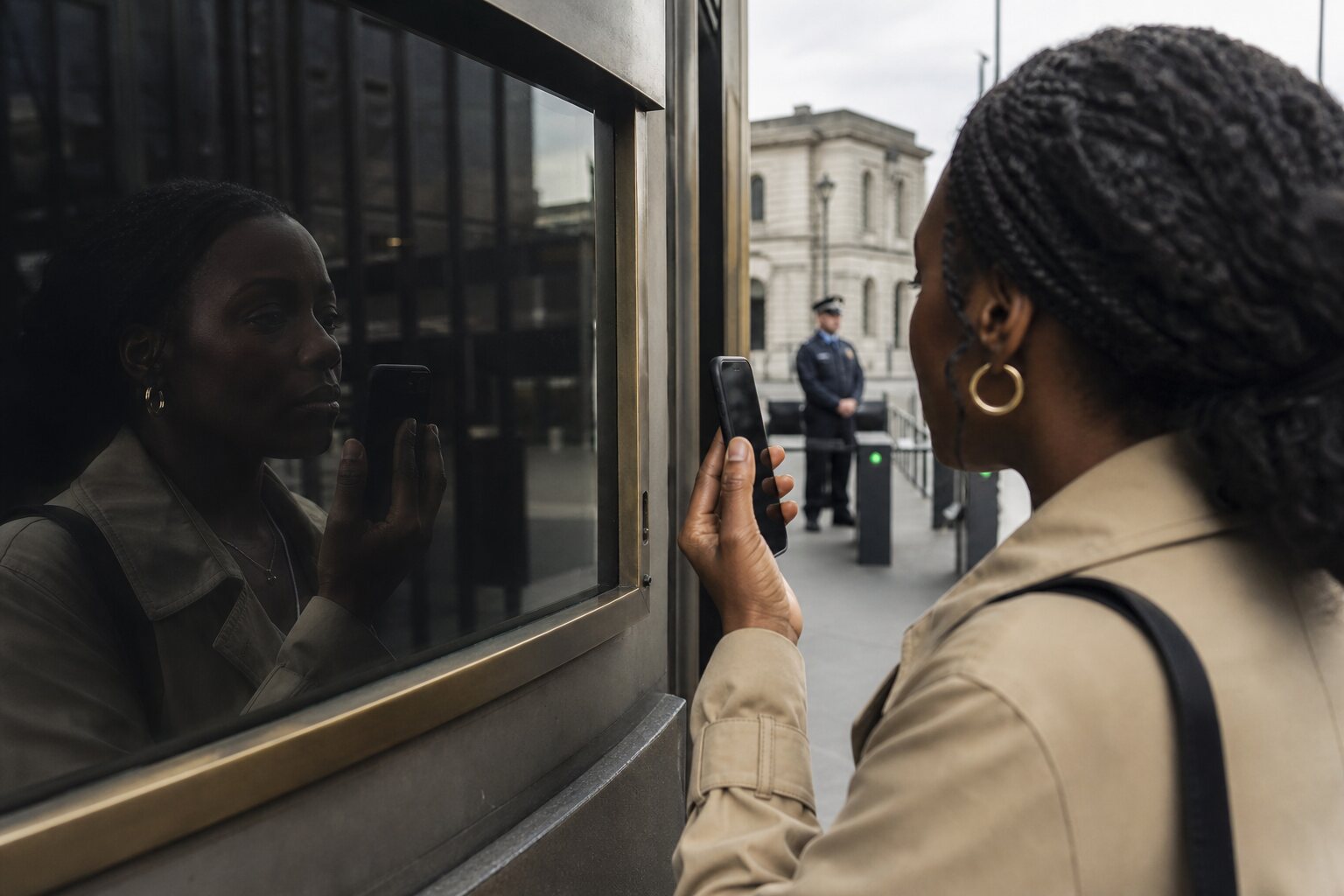
The irreversible factor
Passwords and PINs are secrets you can rotate. Biometrics are measurements of physical or behavioural characteristics that you carry for life. Even when a device stores only a mathematical template rather than a full image, the template represents features that remain constant enough to be matched in future. Once a biometric template is copied beyond your control or inferred from public data, you cannot meaningfully revoke or replace the underlying trait.
Modern systems try to reduce this risk by keeping biometric templates inside secure hardware, often called a secure enclave or trusted platform module. Matching happens inside that chip; apps receive only an approval or rejection. This design prevents raw biometric data from being exposed to ordinary software, but it does not eliminate all risk. If an attacker unlocks the device itself, they bypass the protection regardless of where the template is stored.
Fingerprints, face recognition, and voice
Fingerprint sensors capture ridge patterns and minutiae points, then derive a template that supports quick matching. Capacitive sensors check for electrical properties of skin; optical and ultrasonic sensors read surface or sub‑surface detail to improve reliability. False acceptance rates (letting the wrong person in) and false rejection rates (locking out the right person) are engineering trade‑offs chosen by the manufacturer. Cold fingers, moisture, or minor cuts can lead to failed matches. High‑quality casts or lifted prints can sometimes fool simpler sensors, though consumer devices increasingly detect liveness by measuring skin properties.
Face recognition systems convert an image into a face embedding: numerical features such as distances between key points and texture information. Good systems measure liveness using infrared depth, micro‑movement, or anti‑spoofing checks to resist photos and masks. They can still struggle with twins, some make‑up styles, medical masks, or glare, and performance depends heavily on lighting. Many consumer systems reduce sensitivity to make unlocking fast, which can increase the chances of a false accept in edge cases.
Voice systems record timbre, pitch and articulation patterns to create a voiceprint. They are convenient for hands‑free scenarios but face replay risks: high‑quality recordings or synthetic speech can be used unless liveness checks detect challenge‑response phrases, background consistency, and spectral artefacts. Background noise and illness can increase false rejections. In public or shared spaces, speaking a passphrase can also reveal information to bystanders.
Why biometrics cannot be changed
A biometric is not a secret you remember; it is a measurement the world can often observe. Your face appears in photos, your fingerprints can be lifted from objects, and your voice is recorded in meetings. Even if a system stores only templates, those templates are derived from features that remain linked to you. Changing the template merely re‑measures the same trait. If an attacker acquires enough information to create a working model, there is no practical way to make that trait not yours.
This constraint shapes good design. Use biometrics as an unlock signal that stays local to a device, not as a network credential that can be replay elsewhere. Prefer systems where the biometric never leaves secure hardware and cannot be exported, and where compromise leads to a return to a PIN or password rather than to permanent loss of an account.
Legal differences: knowledge vs body‑based authentication
UK law draws a practical line between what you know (a password or PIN) and what you are (a fingerprint or face). In several contexts, compelling you to disclose knowledge engages different rights than physically using your body to unlock something. Police powers and court orders operate within specific frameworks, and outcomes depend on circumstances, but a recurring theme is that body‑based unlocking can be easier to compel than disclosure of memorised secrets.
For everyday practice, this distinction affects risk. If a device is locked with a biometric, someone could physically press your finger or present your face. If it is locked with a PIN known only to you, compelling its disclosure generally requires stronger legal processes and is harder to do covertly. Organisations handling sensitive data commonly advise switching to a PIN or password before border crossings or high‑risk encounters where compulsion might occur.
Forced unlocking risks
Biometrics can be used without your consent if your body is present. At a busy event, a stolen phone might be held to your face while you are distracted. During a robbery, a fingerprint can be forced. In domestic settings, family pressure can blur consent. None of these scenarios require you to speak a secret, and the act can be quick and difficult to contest in the moment.
Design mitigations help. Many devices allow a panic gesture, such as pressing specific buttons, to disable biometric unlock until the next PIN entry. Some systems require eyes open and focused to reduce unconscious unlocking. Setting short timeouts that fall back to a PIN after inactivity reduces the window for coercion. On laptops, prefer a policy where biometric unlock is allowed only after a boot‑time password has been entered, so a cold‑booted device cannot be opened by biometrics alone.
Personal behaviour matters too. In situations where you anticipate heightened risk—travel through jurisdictions with wide search powers, protests, or sensitive meetings—consider temporarily disabling biometric unlock and rely on a strong, well‑memorised PIN or passphrase. Keep recovery contacts and backup codes stored offline so that disabling biometrics does not strand you.
Why biometrics suit devices better than accounts
Biometrics are strongest when they never leave the device and act only as a local convenience layer above a stronger secret. Phones with secure enclaves, modern Windows and macOS laptops, and some hardware tokens match the biometric inside tamper‑resistant hardware and release a yes/no signal to the operating system. If the phone is wiped or stolen, the biometric is not re‑usable to log in elsewhere.
Using biometrics directly for online accounts creates replay and portability problems. A service that accepts a fingerprint or faceprint sent over the network must store a copy or a comparable template to match later. If that store is breached, you cannot change your fingerprint the way you would change a password. Even where standards exist, the need to interoperate across devices pushes systems towards exportable representations, which increases risk. Better designs use the biometric to unlock a private key stored on the device; the account sees a cryptographic signature, not your biometric.
Combining biometrics safely
Used well, biometrics shorten routine unlocks without weakening core security. The safest pattern is two‑tiered:
- Device tier: biometric unlocks the device locally inside secure hardware and never leaves it.
- Account tier: the device proves identity to online services with cryptography (for example, passkeys, FIDO2/WebAuthn). The biometric controls access to the private key but is not itself the credential.
On phones and laptops, enable biometric unlock but keep a strong PIN or passphrase as the primary secret. Require the secret after restart, after a set number of hours, and after multiple failed biometric attempts. For banking apps, favour designs that combine biometric unlock with per‑transaction checks such as strong customer authentication, challenge phrases, or out‑of‑band confirmations. Avoid enrolling your biometrics with third‑party services unless they clearly state that matching happens only on your device and templates are not stored server‑side.
Multi‑factor does not mean piling on biometrics. Combine different categories: something you know (PIN), something you have (device or hardware key), and optionally something you are (biometric) as a convenience gate. Where risk is higher—admin consoles, company VPNs, cloud dashboards—prefer hardware tokens or passkeys over server‑stored biometrics.
Common misunderstandings
One myth is that biometrics are “more secure” by default. They are different: they reduce friction and can prevent some shoulder‑surfing attacks, but their immutability creates unique failure modes. Another myth is that templates cannot be reversed into usable forgeries. In reality, a template that leaks can guide an attacker to build artefacts good enough for some sensors, especially if liveness checks are weak. Good systems minimise this by never exporting templates and by revoking device trust rather than relying on biometric uniqueness.
It is also easy to assume face unlock will work the same across all environments. Indoors with stable light it may be excellent; outdoors at night it may fall back to a PIN. Reliability varies across people and conditions. Expect occasional failure and design your habits so that a fallback secret is second nature.
Practical, UK‑context examples
Commuting on the Tube, a phone is often unlocked dozens of times a day. Fingerprint or face unlock saves seconds without exposing bank logins, provided those logins use app‑bound credentials like passkeys. At a border crossing, powers to search devices differ by jurisdiction and circumstance; switching off biometrics and relying on a memorised PIN reduces the chance of compelled unlocking. During protests, enabling the device’s panic disable gesture and shortening the inactivity timeout are sensible trade‑offs. In shared households, avoid enrolling other people’s biometrics for accounts; use family sharing features that keep identities separate.
Operational practices
- Keep a strong PIN or passphrase that you can remember under stress; treat it as the actual secret.
- Enable biometric unlock only where the template stays inside secure hardware and cannot be exported.
- Use passkeys or hardware tokens for important accounts; let biometrics unlock the device, not authenticate to the service.
- Configure panic gestures to disable biometrics when needed; learn and practise them.
- Set fallbacks: require the PIN after restart, after long inactivity, and after several failed biometric attempts.
- Disable biometrics temporarily in contexts where coercion risk is elevated.
- Keep offline recovery options so that turning off biometrics does not block account access.