2.3 Multi-factor authentication (MFA)
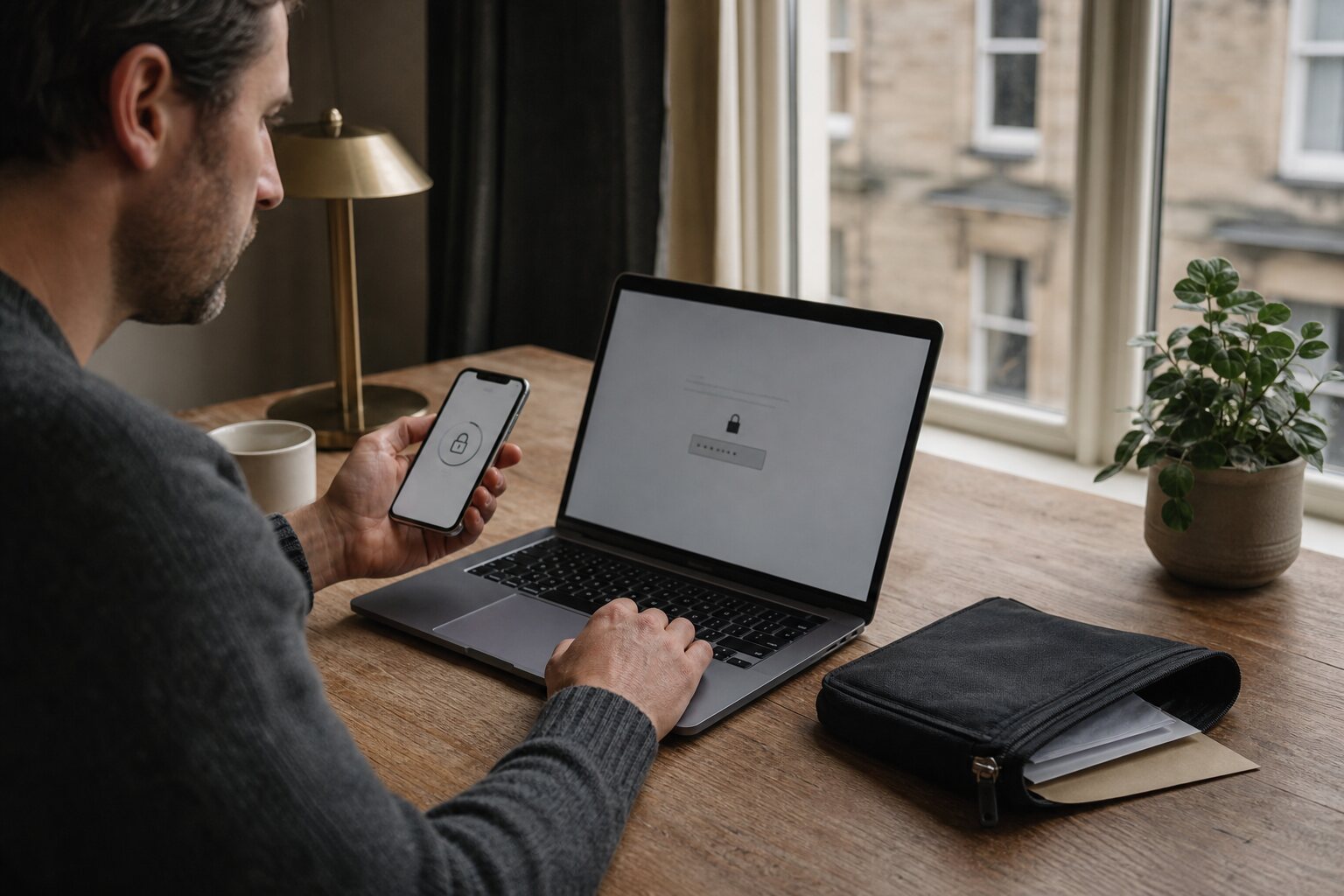
Strengthening identity without adding fragility
Multi-factor authentication (MFA) adds a second check to the usual password. The idea is simple: knowing a password is only one way to prove you are you. A second factor asks for something else, often a code from a phone or an approval in an app. Done well, MFA blocks the most common account takeovers without making everyday log‑ins painful or brittle.
People often imagine MFA as a single thing. In practice there are several methods with different strengths, costs, and failure modes. Choosing between them is less about ideology and more about the realities of how you live: whether you travel, whether your phone signal is reliable, whether you can keep a spare device, and how much friction you can tolerate.
What MFA actually stops
MFA is strongest against password theft and reuse. If someone gets your password from a breached website, they can usually log into any other service where you reused it. MFA breaks that chain. Even if an attacker knows your password, they still need the second factor. This is why MFA changes the odds in everyday scenarios: a stolen password alone is no longer enough.
It also helps against low‑effort phishing. A fake log‑in page might capture your password, but if the service then asks for a second factor, the attacker must act quickly and in real time. That limits opportunistic abuse. It does not stop targeted, live phishing where the attacker relays your code immediately. Some newer methods, like security keys, resist this far better, but even app‑based codes raise the bar for most attackers.
What MFA does not do is fix weak account recovery. If an attacker can reset your password using a compromised email inbox or a lax help‑desk process, the second factor becomes irrelevant. MFA is a layer, not a foundation. It is most effective when combined with a strong, unique password and a well‑protected recovery route.
SMS codes and SIM‑swap risk
SMS‑based MFA sends a code by text message. It is widespread because it works on almost any phone and needs no extra app. For many people, it is the first step beyond password‑only log‑ins, and that alone is valuable.
The main weakness is that your phone number can be taken over. A SIM‑swap happens when a criminal convinces a mobile provider to move your number to a new SIM card. They may do this by social engineering, using leaked personal data to pass security checks, or by bribing staff. Once your number is transferred, SMS codes arrive on the attacker’s phone. In the UK, mobile operators have improved procedures, but the risk still exists, especially for accounts tied to your name and number in public records.
This is not a reason to panic or to disable MFA; it is a reason to choose a stronger factor where you can. If SMS is your only option, reduce the exposure. Use a network‑level PIN with your provider, avoid publishing your mobile number unnecessarily, and keep your main email account protected with a stronger method. If you have two numbers, consider keeping a secondary number for low‑risk accounts and a better‑protected number for critical ones.
App‑based authenticators
Authenticator apps generate time‑based codes on your device. They work offline and do not rely on the mobile network. That means SIM‑swap attacks no longer help an attacker, and you can log in even without signal. Apps such as Google Authenticator, Microsoft Authenticator, Aegis, and 1Password can all do this. The experience is similar across them: open the app, read the six‑digit code, enter it.
There are two common misunderstandings. First, people think the app must be connected to the account each time. It does not; the code is generated locally from a secret set up once during enrolment. Second, people assume the phone is the only place the codes can live. Many authenticator apps let you back up or sync your tokens, which can be helpful if you lose the device. That backup, however, becomes a new point of risk. If you enable cloud sync, protect the account it uses with strong MFA of its own.
App‑based codes are a good balance for most people: stronger than SMS, less fragile than a separate hardware key, and reasonably easy to use. The weakness is device loss. If your phone is lost, stolen, or wiped, you may be locked out unless you kept recovery codes or added a second authenticator device. A practical approach is to add a second device you already own, such as a tablet kept at home, or to store recovery codes in a secure place you can reach when travelling.
Push notification fatigue
Some services use push‑based MFA: a log‑in attempt sends a notification to your phone, and you tap “Approve” or “Deny”. It is convenient because you do not have to type a code. It can also be safer than SMS if it relies on app‑level cryptography rather than your phone number. The risk is behavioural rather than technical: people approve prompts they did not initiate.
Push fatigue happens when users receive repeated prompts — perhaps due to a misconfigured app, or an attacker trying to guess a password and spamming the second factor. In a busy moment, a user might tap approve to clear the notification, especially if the app does not show details. This has led to real breaches in organisations where staff were bombarded with prompts late at night and finally approved one out of frustration.
The mitigation is partly design and partly habit. Good systems show a number you must match or include context such as location and device type. As a user, treat unexpected prompts as a warning, not a nuisance. If you receive one, change your password and check recent sign‑ins rather than simply denying and moving on. This is not about fear; it is about avoiding a common, predictable failure mode.
Phishing-resistant MFA: keys and passkeys
The methods above all share one weakness, and it has become the defining problem of MFA: they can be phished in real time. When you type a six-digit code into a convincing fake login page, an attacker operating that page can relay it to the real service within seconds, and the second factor provides no protection at all. This is no longer a rare, sophisticated attack; ready-made phishing kits that automate exactly this relay are widely available, which means app codes and SMS, while far better than nothing, no longer stop a determined attacker who has you on a fake page.
The category that does solve this is phishing-resistant MFA, built on the same underlying standard as the passkeys discussed in 2.2. It comes in two practical forms: a physical security key, covered in detail in 2.4, and a passkey stored on your device or in your password manager. What makes both phishing-resistant is that the authentication is cryptographically bound to the genuine website's address. If you land on a look-alike domain, the key simply refuses to respond, because the site is not the one it registered with. There is no code for you to read out and therefore nothing for an attacker to capture and relay. It removes the human judgement — "does this page look right?" — that phishing exploits, and replaces it with a check the machine makes correctly every time.
The sensible posture is to treat phishing-resistant MFA as the goal for the accounts that matter most: your primary email, your password manager, your main financial and government logins. Where a service offers a security key or passkey, prefer it; where it offers only app-based codes, use those, since they still defeat the most common attacks; and reserve SMS for cases where nothing else is available. As with every method on this page, pair it with a well-protected recovery route, because the strongest front door does not help if the back door is left ajar — which is exactly the weakness the next section addresses.
Recovery codes as a weak point
Most services issue recovery codes when you enable MFA. These are single‑use codes that bypass the second factor if you lose your device. They are necessary, but they can also undermine the protection if stored carelessly. A printed sheet taped to a monitor is easy to photograph. A text file called “codes.txt” on a shared laptop is easy to copy. In effect, recovery codes become a second password.
A sensible way to store recovery codes is the same way you store other high‑value secrets: in a password manager, or printed and kept in a safe place at home. If you must carry them while travelling, keep them separate from your phone and from your primary wallet. The goal is to make it unlikely that a single loss event grants everything. If you rotate a password after a suspected breach, also regenerate recovery codes, because the old ones may already be compromised.
Some services allow multiple recovery methods, such as a backup phone number, email link, or security questions. These are often weaker than the main MFA and can be exploited, especially if the backup email is poorly protected. Where possible, prefer recovery methods that you can control tightly, and avoid security questions that rely on personal information. In the UK, a surprising amount of personal data is available through public records or social media, which makes such questions less secure than they appear.
None of these trade‑offs remove the value of MFA. They simply define its limits. The aim is not to chase perfect security, but to add friction to the kinds of attacks that really happen, without making access so fragile that you lock yourself out at the first mishap.