10. Borders, searches and coercion
Legal status reviewed 1 August 2026. UK border device powers have different thresholds, purposes, duties, and safeguards. This page gives general information, not advice about whether to answer a question or unlock a device in a particular examination.
When theory meets force
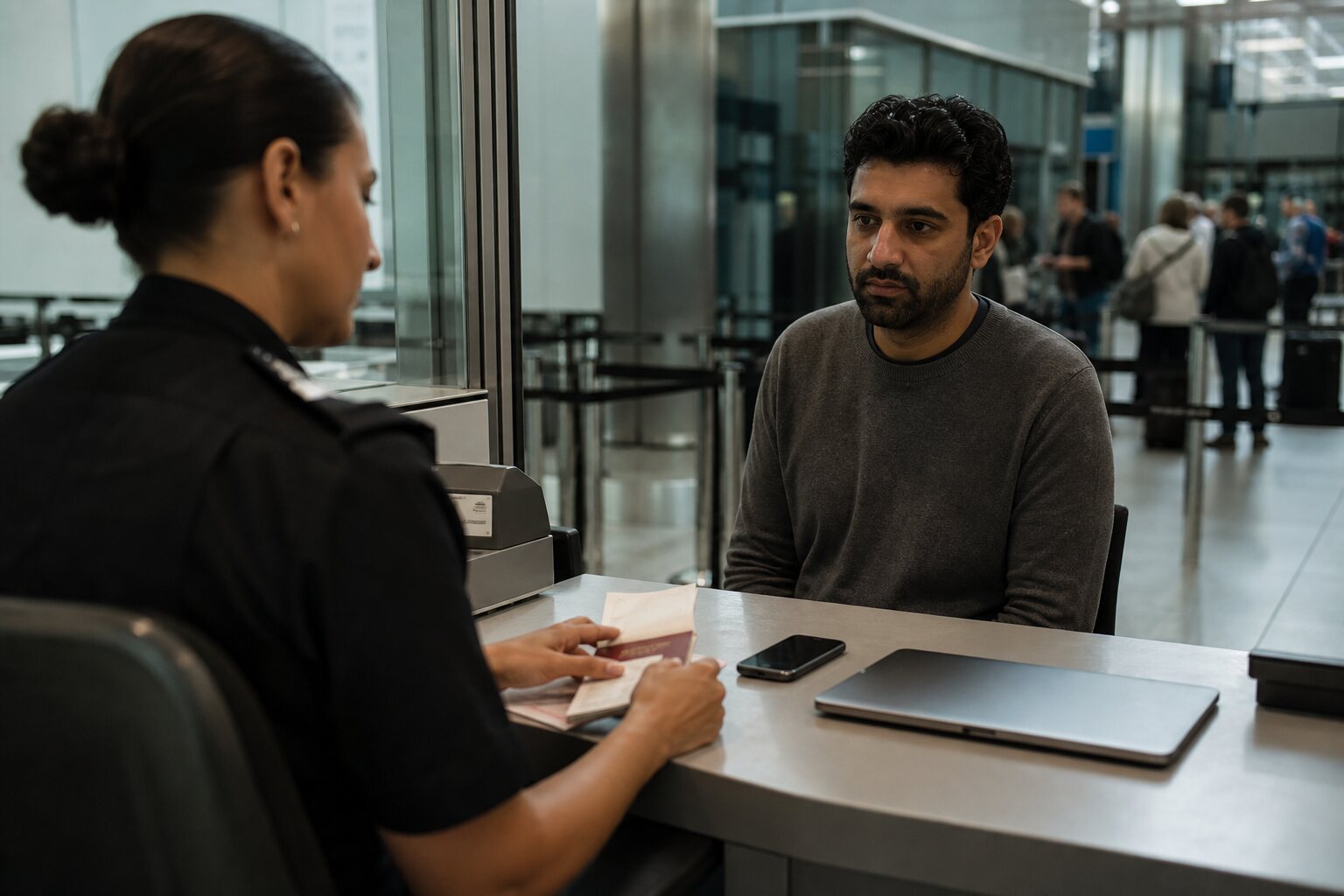
Border crossings are one of the few everyday situations where the state can inspect devices in ways that would be unusual elsewhere. The legal basis varies by country, but the practical reality is more consistent: officers can ask questions, request devices, and make decisions quickly. For travellers this is not an abstract privacy debate; it is a real-world interaction where compliance, delay, refusal, or misunderstanding can have consequences. The right response depends on context, including the country you are entering, your citizenship status, and the purpose of travel.
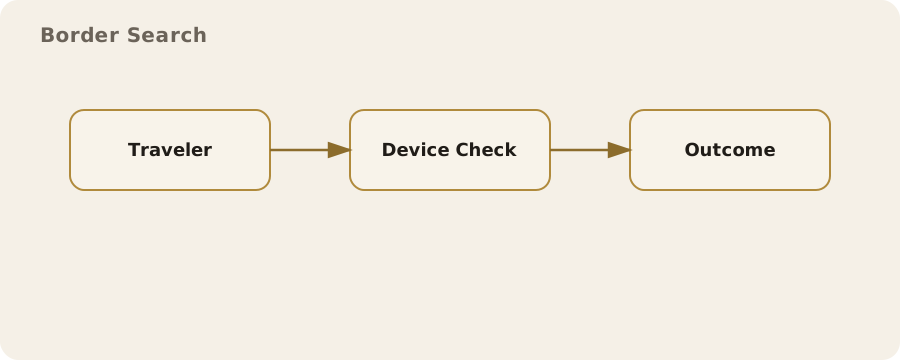
In the UK, officers have several distinct legal routes to examine, scan, search, seize, or retain electronic devices. Some do not require a warrant or prior suspicion; others require reasonable grounds tied to a defined purpose. A duty to co-operate under one power must not be assumed under another. That does not mean every traveller is searched. It means any privacy plan has to treat the border as a high-scrutiny environment and any legal conclusion has to identify the power actually being used.
Which UK power is being used?
Schedule 7 to the Terrorism Act 2000 permits examination at ports and borders to determine whether a person appears to be involved in terrorism, without a requirement for prior suspicion. Schedule 3 to the Counter-Terrorism and Border Security Act 2019 provides a related examination regime for hostile activity. Both are UK-wide, subject to statutory codes and safeguards, and wilful failure to comply or obstruction can be an offence. These are exceptional national-security powers, not a general rule that every border officer may search every phone for any purpose.
The Border Security, Asylum and Immigration Act 2025 created a different, narrower power. It applies only to a defined “relevant person” who has entered or arrived without the required leave, clearance, or travel authorisation and has not subsequently received leave. An authorised officer must have reasonable grounds to suspect that a device may contain information relating to specified facilitation offences. Home Office guidance says a PIN or password may be requested voluntarily, but there is no power to compel it and no offence for refusing it under this Act; the device may instead be retained and sent for technical examination.
Section 84 of the Crime and Policing Act 2026, in force since Royal Assent on 29 April 2026, is different again. At the border it allows a warranted customs officer, on reasonable grounds to suspect that a person is carrying a device storing child sexual abuse images, to require the person to permit an approved scan and take necessary steps to enable it. Wilful obstruction can be an offence. The power is targeted: it is not a general content-search power and should not be described as one.
Device search realities
Many people assume that a locked phone is “safe” and that border staff always need a court order to go further. That is not a reliable assumption. An officer may request an unlock, may have a statutory route to require steps enabling an examination or scan, or may have power to retain a device and seek technical access. The consequences of refusal depend on the exact power, the traveller's immigration position, and the jurisdiction; they can include delay, seizure, investigation, immigration consequences, or a criminal allegation, but none should be presented as automatic.
It helps to think about what a device reveals when unlocked. A modern phone is not just a communications tool: it is a diary, a photo album, a map of your routines, and a record of who you spend time with. Even without deep forensic work, a quick look at photo galleries, message previews, recent calls, or social media apps can be revealing. Border searches are often rapid and manual, not always forensic. That makes superficial exposure a bigger risk than many people expect.
Practical mitigation starts with limiting what is on the device at the time of travel. This is not the same as hiding or destroying evidence; it is routine data minimisation. For example, using a travel device with only the apps and files needed for a trip reduces the amount of unrelated personal information available to view. Another simple practice is to disable message previews on the lock screen so that notifications do not expose sensitive content if the device is on a desk or held by an officer.
A common misunderstanding is that deleted content is gone. On phones and laptops, deleted files may remain recoverable until overwritten. Some border agencies use forensic tools that can recover recently deleted data, and others simply browse what is visible. If the risk you are considering is a quick manual search, then what is currently accessible matters more than what could be recovered with specialised tools. If you expect forensic analysis, then the design of the device’s encryption and its current state (locked or unlocked) becomes critical.
Biometrics vs passwords
Biometric unlock methods — fingerprints and face recognition — are convenient because they are quick. They can also be quick to compel. An officer can ask you to look at a camera or place a finger on a sensor. In some jurisdictions that may be treated differently from asking you to speak a passcode, because the law distinguishes between providing a biometric and revealing knowledge stored in your mind. The distinction is not universal and can be contested, but in practice biometrics are easier to enforce in the moment.
There is no sound UK rule that passcodes can always be refused, or that they must always be supplied. Under the 2025 immigration-device power described above, the published guidance makes disclosure voluntary. Under the targeted 2026 scan power, a person can be required to take steps necessary to permit the scan. Schedule 7 and Schedule 3 examinations and a later disclosure notice under the Regulation of Investigatory Powers Act 2000 are separate legal regimes with their own duties and offences. If the stakes are serious, ask which power is being used and seek a lawyer familiar with that regime; do not lie, destroy material, or obstruct an officer.
A practical compromise for travel is to use a long passcode and to disable biometric unlock before crossing a border. On many phones you can temporarily disable biometrics by restarting the device or pressing the power button sequence that requires a passcode on next unlock. This does not make you immune to requests to unlock, but it reduces accidental or coerced biometric unlocks. It also signals clearly when a device has been unlocked, which can be useful for your own awareness.
Travel devices
A “travel device” is a phone or laptop configured specifically for a trip. It may be a spare device or your usual device set up with a separate user account and minimal data. The goal is to carry what you need and no more. For a conference trip, that might mean a clean laptop with the presentation, relevant emails, and access to work systems through secure remote login. For a family holiday, it might just mean maps, travel bookings, and a small selection of photos.
This approach has trade-offs. A travel device can be inconvenient, because you lose personalised settings and offline access to everything you normally carry. It can also be risky if you misconfigure it and lock yourself out while away. If you do use one, make sure it is fully set up and tested before you travel, and that you can recover it if it is lost or seized. That means keeping recovery codes or secondary authentication methods somewhere you can access without the device itself.
One common mistake is to assume that a travel device is “clean” simply because it has fewer files. Many apps still sync large amounts of data once you sign in. Email clients, cloud storage, and messaging apps can pull down full histories within minutes. If the intention is to limit exposure, then consider using web access with limited caching, or separate accounts with restricted data. A separate account used only for the trip can significantly reduce what is visible if the device is examined.
A second mistake is to forget about browser data. Even on a minimal device, saved passwords, browsing history, and open tabs can reveal a great deal. Using a browser profile that does not sync across devices, and clearing history before travel, are straightforward measures. These are not perfect protections, but they reduce the amount of incidental information available in a quick inspection.
Cloud access after seizure
Seizing a device is not necessarily the end of access. If the device is already unlocked, officers may be able to access cloud services through logged-in apps. Even if the device is locked, data stored in the cloud may be accessible by other means, including legal requests to service providers. This is one reason why a minimal travel device can still expose more than expected: it may act as a key to much larger stores of data.
Cloud accounts can be protected in several ways, but none is perfect. Multi-factor authentication (MFA) reduces the risk that someone can log in remotely, yet if your device is unlocked, the second factor may already be present. App-based MFA can be read directly on the device; SMS codes can arrive on the same phone; and security prompts can be approved with a single tap. Hardware security keys offer stronger separation, but they can also be requested during an inspection if you carry them with you.
One practical mitigation is to separate accounts by purpose. For example, you might keep personal photos in one account and work documents in another, and only sign into what you need for the trip. Another is to use “just in time” access: log in when needed, then sign out and remove the app when you no longer need it. This is inconvenient, but it reduces the window during which a seized device provides immediate access to your cloud data.
It is also worth understanding that some cloud services keep offline copies on devices by default. That includes email clients that download full mailboxes and file-sync apps that store local copies. If you want to limit exposure, adjust settings so that only recent items are cached, or use web-only access. That does not eliminate risk — the service still holds the data — but it reduces what is directly accessible from a seized device.
Post-inspection hygiene
After a device has been searched or out of your control, it is sensible to treat it as potentially modified. That does not mean you should panic or assume the worst, but there are practical steps to reduce risk. If you unlocked the device under observation, change important passwords afterwards. This helps even if the device was not tampered with; you cannot know what information was seen or recorded.
Check which accounts are still signed in and review recent login activity in critical services such as email, cloud storage, and social media. Many services provide a “recent activity” view that shows new logins and devices. If you see unfamiliar access, revoke it and update your passwords. Enabling or resetting MFA after travel can also help, especially if you suspect that backup codes or tokens may have been copied.
Another practical step is to look for unexpected configuration changes. Examples include new device management profiles, unknown VPNs, or apps you did not install. On mobile devices this is usually visible in system settings. On laptops, review installed applications and browser extensions. If you cannot account for a change, the safest route is often a full wipe and reinstall of the operating system, restoring only from backups you trust. This is time-consuming and not always necessary, but it is the only way to return to a known-good state if you suspect tampering.
Finally, consider your own comfort and tolerance for disruption. For some travellers, a thorough reset after any inspection is worth the effort. For others, the risk is acceptable and routine checks are enough. The key is to make the choice before you travel, so you are not making a decision under pressure. Knowing what you are willing to accept is often as important as any technical measure.